
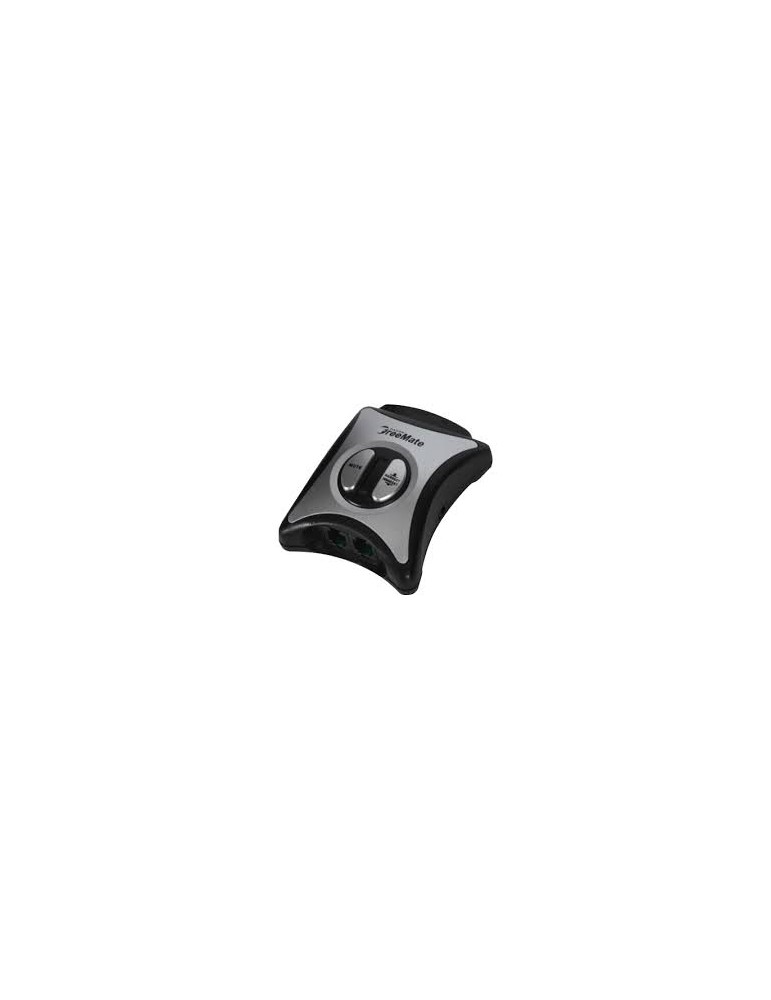
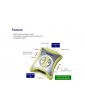
The unit can be connected to both wireless system and wired telephone for training purpose. Train agents when use wireless headset and also can use the unit with function of Handset/Headset selection switch.

Headset users can now train and have a second person monitoring conversations without sacrificing mobility with the new Wireless Headset Training Adapter. Simple plug one wireless unit into the adapter and enjoy normal conversations. When a second headset (wireless or wired) is plugged into the adapter, either or both microphones can be mute with a push of abutton to provide listen only capabilities. This is a great device for an individual that wants the freedom and mobility of a wireless headset while monitoring a new trainee. It also allows two wireless headset users to be on a conference call and move freely about their office. (Prior to the Wireless Headset Training Adapter, training required both users to sit next to each other while using wired headsets).
1. For Handset/Headset selection
Unplug your telephone headset cord from the telephone base and plug it into the handset jack of the adapter.
Connect telephone curly cord between the hand set jack of your telephone and tel line jack of the adapter.
Plug the headset into Headset B of the adapter
Adjust compatible switch by sliding the switch to left or right until you can hear a dial tone.
You can use handset or headset with adjustment of Handset/Headset selection switch on the side.
When you want mute the headset, press mute A or B.
Important Notice
- If a wiring of hand set jackis TRRT the headset wiring also should be the same TRRT
- Adversely, if RTTR the headset should be RTTR.
- When use Plantronics headset, the headset should be polaris cord (Direct connection cord) and place "Headset
compatibility switch" to RTTR.

The unit can be connected to both wireless system and wired telephone for training purpose. Train agents when use wireless headset and also can use the unit with function of Handset/Headset selection switch.